The honest answer up front
If you want the biggest ecosystem and never want to think about it: get a Kindle.
If you care about reading in formats that are not Amazon's, want to borrow library books without hassle, or want to own your library long-term: get a Kobo.
Both are excellent e-readers. The question is which one fits how you actually buy and manage books. That decision has become clearer in 2026, and it is worth walking through properly.
What has changed recently
The e-reader market has been unusually active in the past couple of years. Amazon released the Kindle Paperwhite (12th Generation, 2024) with a new 7-inch screen — up from the previous 6.8 inches — plus a higher contrast ratio and 25% faster page turns. Amazon also released the Kindle Colorsoft in late 2024, a 7-inch colour e-ink device that directly competes with Kobo's colour lineup. And there is now a Kindle Scribe with a redesigned display (2024).
Kobo's current lineup centres on the Kobo Libra Colour (7", physical buttons, colour e-ink), the Kobo Clara BW and Clara Colour as budget options, and the Kobo Elipsa 2E at the premium end.
The hardware gap that used to exist has largely closed. Both companies are now making genuinely good devices. Which means the decision comes down almost entirely to ecosystem and software, not build quality.
The Kindle case
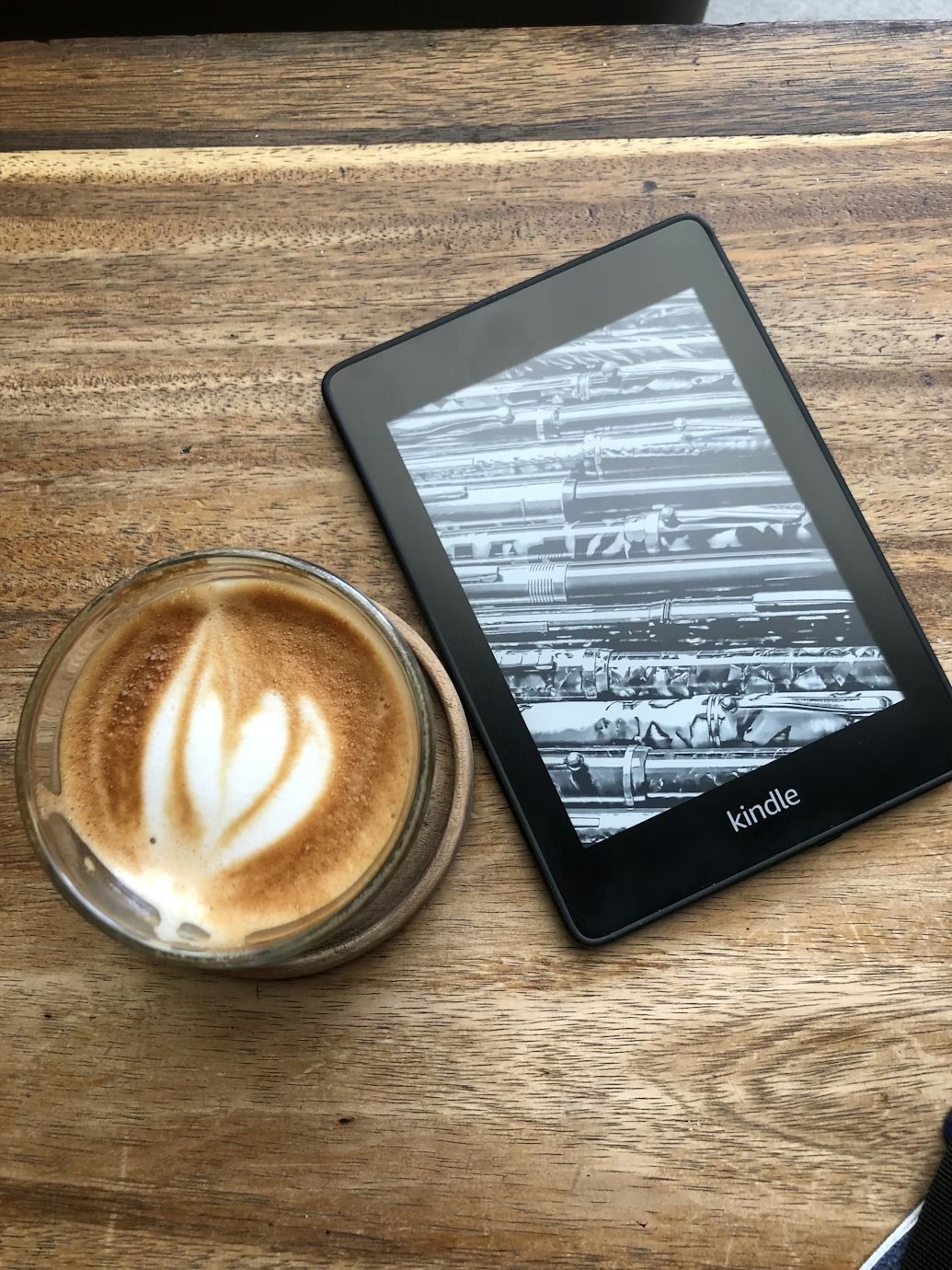
Amazon's main advantage is frictionlessness. If you buy books on Amazon, they appear on your Kindle instantly. The Kindle app is on every platform. Audible integration is seamless if you use that too. Amazon Household lets two adults link their accounts and share eligible purchases. Kindle Unlimited gives you access to over 4 million titles for a monthly fee, which makes sense if you read a lot of genre fiction.
The Paperwhite (12th Gen, 2024) in particular is an excellent device. The 7-inch 300ppi screen is crisp, the warm-light front lighting is genuinely comfortable, and battery life reaches up to 12 weeks on a charge.
The weak points:
Format lock-in. Kindle uses Amazon's own formats (KFX, MOBI). You can sideload EPUBs using Send to Kindle, which converts them, but the conversion is imperfect for complex formatting. If you buy a book somewhere other than Amazon, getting it onto a Kindle takes a few extra steps.
Library books are more complicated. In the US, OverDrive and Libby loans come to Kindle via a slightly roundabout process. In the UK and most of Europe, it is even more cumbersome. Some library systems have dropped Kindle support entirely.
The lock screen ads. The standard (cheaper) Kindle models show sponsored screensavers on the lock screen. You can pay to remove them, or buy the ad-free version upfront — but it is worth knowing the default experience includes them.
The Kobo case
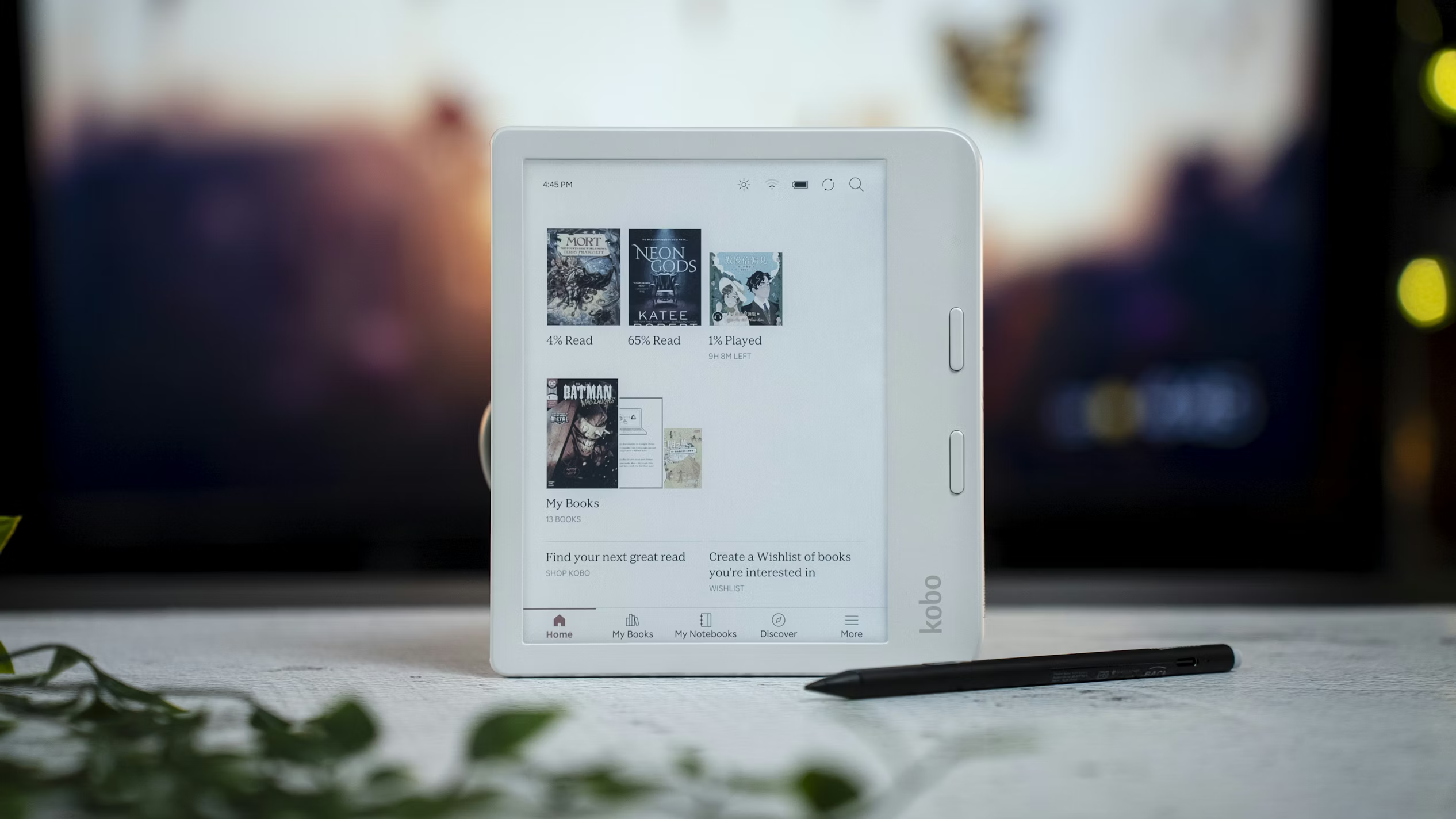
Kobo's primary advantage is openness. It natively reads EPUB, which is the standard format used by virtually every other bookstore and library lending system in the world. Buying from Kobo's own store, borrowing from Overdrive/Libby, downloading from an independent bookshop, or sideloading a file you bought from a small press — all of these work without any conversion step.
The Kobo Libra Colour (the most popular mid-range option) is a genuinely good device. It has physical page-turn buttons, which many readers strongly prefer. The colour e-ink screen is primarily useful for manga, graphic novels, and heavily illustrated non-fiction — for plain text, the difference from black-and-white is negligible, but it is there if you want it.
The Clara BW is the budget option and still excellent. If you primarily read novels and want something light and affordable, it is hard to beat.
The weak points:
The Kobo store is smaller. Amazon has more titles. This matters most for niche non-fiction and self-published books, where Kindle Unlimited exclusives live.
The Kobo software is not quite as polished. The reading experience is good, but features like reading stats and recommendations are less developed than Amazon's. The Kobo app for phones is functional but not as seamless as the Kindle app.
Syncing between devices requires the Kobo app. If you switch between an e-reader and your phone, the experience is less seamless than Amazon's.
The library borrowing question

This is the factor that tips the decision for many readers, and it is underappreciated in most comparison articles.
If you regularly borrow e-books from your local library — through Libby, OverDrive, BorrowBox, or similar services — Kobo is significantly easier to use. Library EPUB files download directly to the device with no conversion step. On a Kindle, the same process typically involves a browser redirect, an Amazon login, and sometimes sending the file via email.
In 2025, the Kobo and Libby partnership deepened further — in several countries you can now borrow directly from within the Kobo reading app, which is as close to frictionless as library lending has ever been.
If you never use the library and always buy, this point does not matter. But if library borrowing is part of your reading life, Kobo wins this category cleanly.
Head to head: specific devices
Under £120 / $130:
- Kobo Clara BW — best budget e-reader overall. Simple, light, EPUB-native.
- Kindle (basic, 2024) — slightly cheaper, smaller 6" screen, no warm light.
- Verdict: Kobo Clara BW by a clear margin unless you are deep in Amazon's ecosystem.
£130–£170 / $140–$180:
- Kindle Paperwhite (2024, 12th Gen) — £159.99 / 7", premium build, tight Amazon integration.
- Verdict: Best pick if you're in the Amazon ecosystem and want a no-fuss black-and-white reader.
£200–£250 / $210–$260:
- Kobo Libra Colour — £209.99 / 7", physical buttons, colour e-ink, EPUB-native.
- Kindle Colorsoft (2024) — £239.00 / 7" colour e-ink, no physical buttons, Amazon ecosystem.
- Verdict: Kobo Libra Colour for EPUB/library users who want physical buttons. Kindle Colorsoft if you want colour and are committed to Amazon.
Premium:
- Kobo Elipsa 2E — 10.3", stylus support, excellent for annotations.
- Kindle Scribe (2024) — 10.2", stylus, better document workflow.
- Verdict: Scribe for document annotation and PDF work. Elipsa for book readers who want a large screen.
What most people should actually do
Read how you buy books.
If you buy almost everything from Amazon, your Kindle experience will be seamless and you should get a Kindle. The ecosystem advantage is real and it matters in daily use.
If you buy from multiple sources, borrow from libraries, or care about owning your books in a format that will work without Amazon's servers: get a Kobo.
The one thing worth avoiding: choosing a Kindle primarily because it is the one you have heard of. That was a reasonable default in 2018. In 2026 the Kobo hardware is just as good, and for a meaningful number of readers the ecosystem fits better.
A note on tracking your reading
Whichever device you choose, neither Kindle nor Kobo's native reading stats are particularly good. Kindle tells you estimated time remaining; Kobo has reading streaks. Neither tracks cross-format reading — if you sometimes read physical books, or switch to the app on your phone, your stats are scattered.
This is the gap that Pick Up is built for. It is a reading tracker for iOS and Android that works alongside whatever device or format you use — e-reader, physical book, audiobook. You log sessions manually or with a timer, and your reading history stays in one place regardless of where the reading happens.
If that sounds useful, it is free to download on iOS and Android and you can start logging books straight away.
Updated April 2026. Device pricing and availability vary by region. Library app support varies by country and local library system.